How to choose the right size
Begin by listing every item that needs to go into storage, including small accessories that are easy to forget. Measure larger pieces, such as meeting tables, tall cabinets, and wide printers, so you are more aware of their exact footprint. Write the sizes down in one place to make the final choice simple.
Consider the access routes before you pick a unit so moving day runs smoothly. Check all the door widths, lift sizes and any van height limits at both your office and the storage site. Allow extra room for any safe handling so staff do not have to twist or squeeze around tight corners.
Plan for a little growth during the project because refurbishments often create extras. Expect spare tiles, sample materials and new fixtures to arrive early and need a place to sit. Keep a small buffer in your unit so it never becomes cramped or unsafe.
Backing up data before storage
Start with a clear backup plan that covers all devices used in the office. Arrange for laptops, desktops and network drives to copy to a reliable cloud or to secure external drives. Be sure to test a few files after the backup to confirm they open as expected.
Create a complete inventory of everything that can hold data so nothing is missed. Include your office printers, meeting room screens, desk phones and any smart devices that may save documents or contacts onto. Wipe or encrypt these devices before they go into storage to protect private information.

Store backup media in a different place from the equipment it protects, so you lower the risk of a single loss. Keep external drives and memory cards in a locked drawer or safe that is not in the storage unit, and record who in your company has access to the location so you can track the usage.
Label all the power leads and adapters with simple tags, as this will speed up future setup. Match each charger to its device and place spare cables in a small, sealed kit. Keep a list of essential passwords in a secure manager so nothing is written on sticky notes.
Storing chairs, desks and cabinets
Begin with careful disassembly where the manufacturer's guidance says it is safe. Then, remove the table legs, detach the monitor arms and take out any drawers to limit the weight and avoid strain. Place any small parts in clear labelled bags and make sure to tape them to the main item so nothing goes missing.
Protect delicate surfaces before stacking to avoid dents and scratches. Use cardboard sheets, corner guards and soft blankets on edges and contact points. Wrap glass tops with bubble film, mark them as fragile on all sides and store them upright.
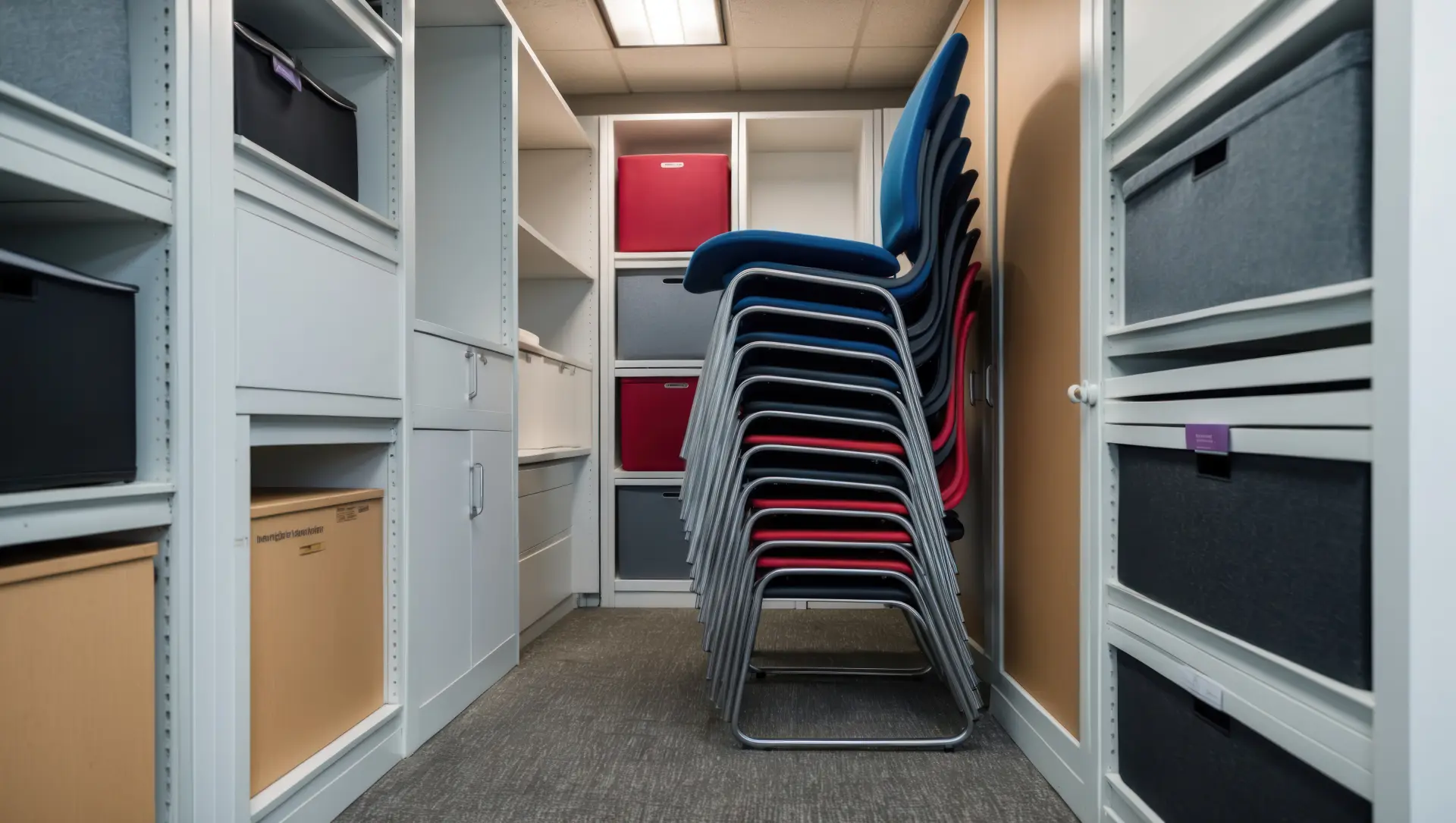
Keep the chairs in good shape with a few simple steps that prevent wear in storage. Clean the fabric, lower the gas stems and wrap the bases to avoid scuffs on other items. Line up chairs in rows with wheels locked or placed on mats so they do not roll.
Organise cabinets so they travel well and can be found again quickly. Empty contents, lock doors and label each unit with its room and use so teams know where it belongs. Once this is done, place heavier cabinets at the back of the unit and leave a safe aisle down the middle for access and checks.
Climate and damp control
Start with a clean and dry storage space to give your items the best chance of staying in good condition. It's then best to sweep the floors, check for leaks and let fresh air in before the first load arrives. Raise all items off the bare concrete by using pallets or boards to protect them from damp.
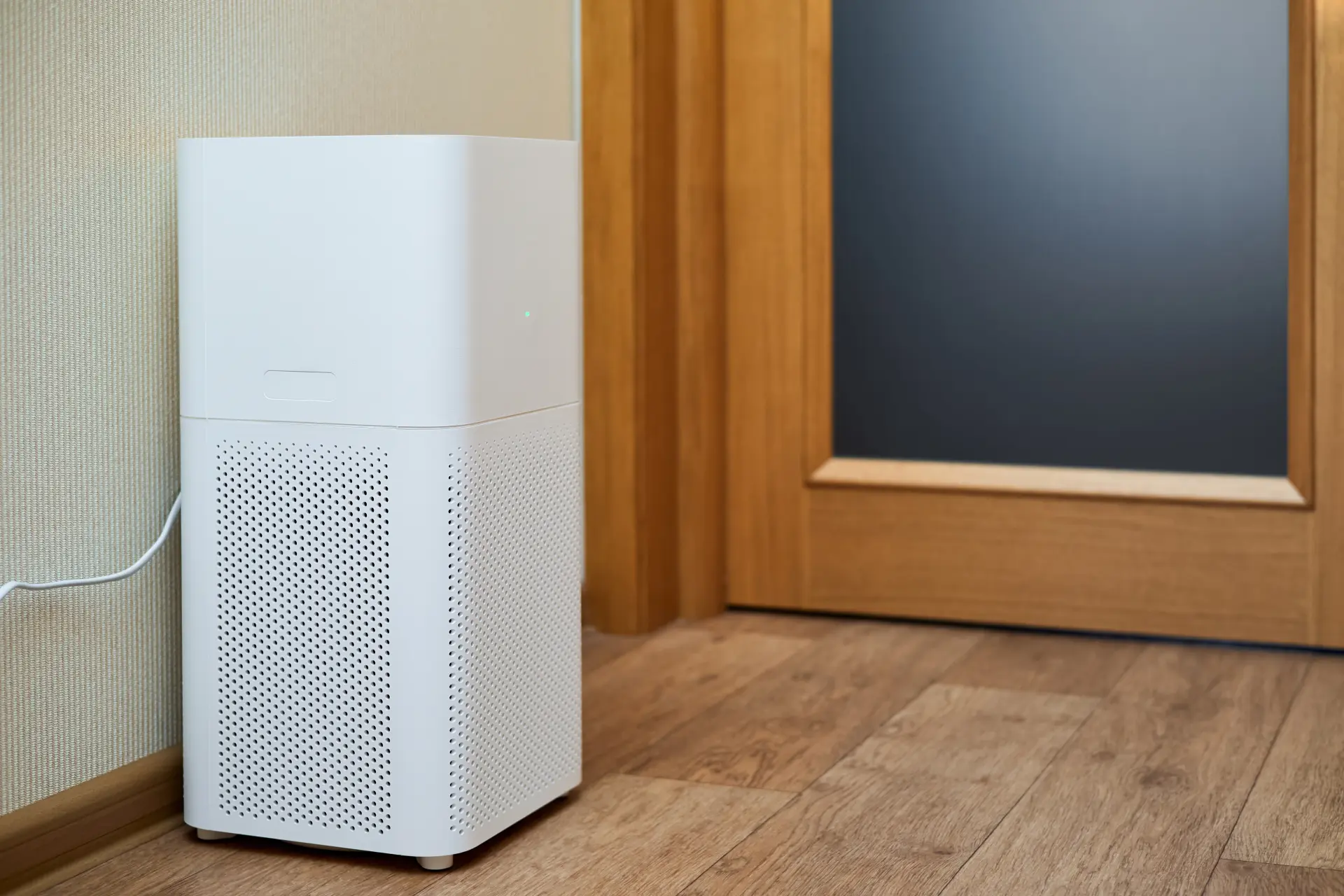
Monitor the temperature and humidity during the stay so you can react to changes. Also, remember that paper, electronics, and wood react badly to damp and heat over time, so aim for steady conditions and use simple damp traps or a dehumidifier if moisture rises.
Choose breathable covers for long periods to reduce the chance of trapped moisture. Avoid sealing any items too tightly in plastic unless you are using some vented wraps that are designed specifically for storage. Prefer fabric sheets or specialist covers that allow airflow while keeping dust away.
Allow items to settle before use once they return to the office, so the materials can properly adjust. Give desks and chairs made from wood a short time to reach room conditions before heavy use. Let your screens and printers warm to room temperature before switching on to prevent condensation.
Security, locks and CCTV
Begin with strong physical barriers so you deter most risks before they start. Ask for a solid unit door, good lighting and visible cameras that record clear images. Make sure you choose a site that offers individual unit alarms, especially if some or all of your equipment is high-value.
Select the right lock for your unit because the lock is your first line of defence. Use a quality padlock with a closed shackle or a disc lock that resists common tools. Always keep spare keys in a safe place, track who in your company holds them, and avoid leaving any keys on-site.
Record what goes in and out with a simple log so you always know the status of your assets. Note the date, time, item and person responsible each time the door is opened. It's wise to take photos of key assets as they enter and leave to make checks fast and accurately.
Review security settings throughout the project so protection stays effective from start to finish. Test camera angles, check sensor batteries and inspect door seals on a set schedule. Update the access list when staff roles change so only the right people can enter the unit.
East Lothian Lock provide office storage container rental for local customers in East Lothian. Our secure storage units are available to keep a broad range of materials, furniture, equipment, and personal belongings inside. Give us a call today, and we'll provide you with a free quotation.
Related Articles

Office Storage For Documents And Files